Find devices at home
Discover devices on the same subnet, grouped by IP. Saved TVs stay out of the discovery list. Open a device’s web management page when it provides one.
 NATNT
NATNTNATNT Assistant brings TV remote control, casting, TV mirroring, APK installation, file transfer, local device discovery and phone speed tests to Android. Download 0.9.5.

Switch between directions and numbers, with volume, mute, back and home close by. Opening the number pad changes the right-hand buttons to channel up and down.
Includes channel adaptation for METV in the foreground. The voice button opens the TV assistant and uses the TV or physical remote microphone, not your phone microphone.
Explore remote & channel controls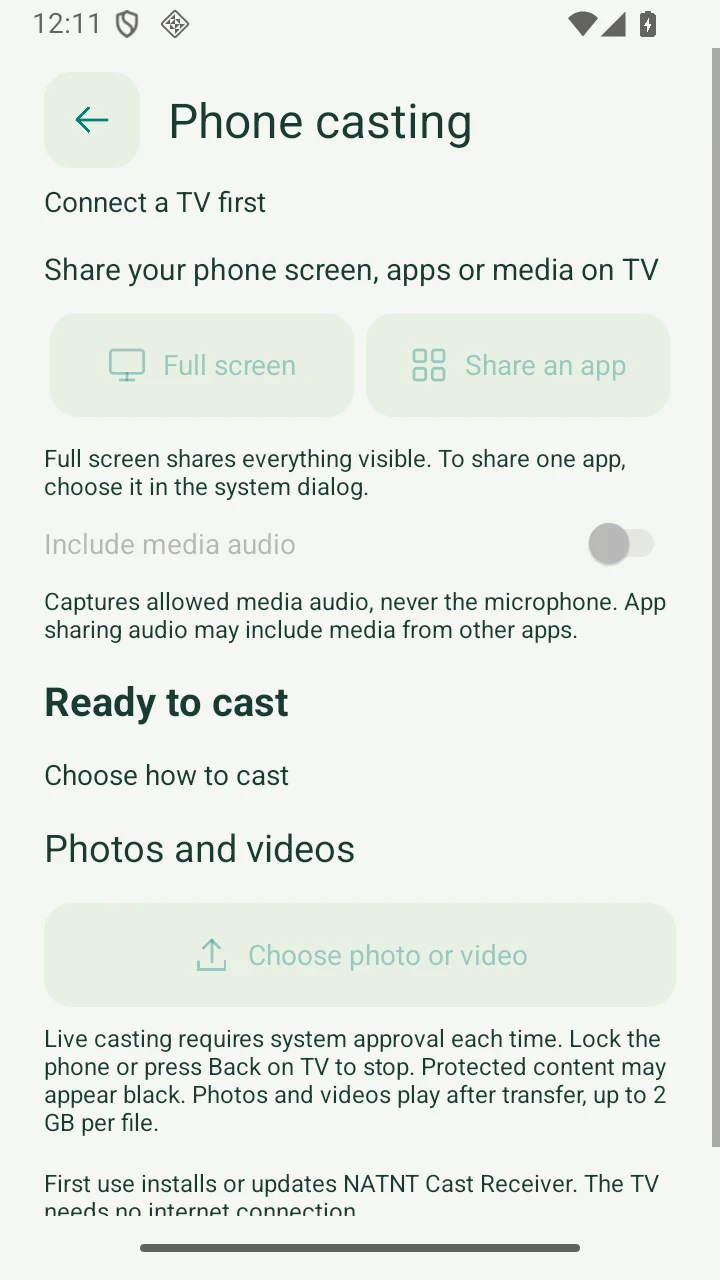
Cast your whole screen, or a single app when supported by Android. Choose photos and videos to transfer and play on your TV.
On Android 10+, both full-screen and single-app casting can share permitted playback audio. Single-app selection limits the picture only; other apps may be audible. No microphone capture.
Explore phone casting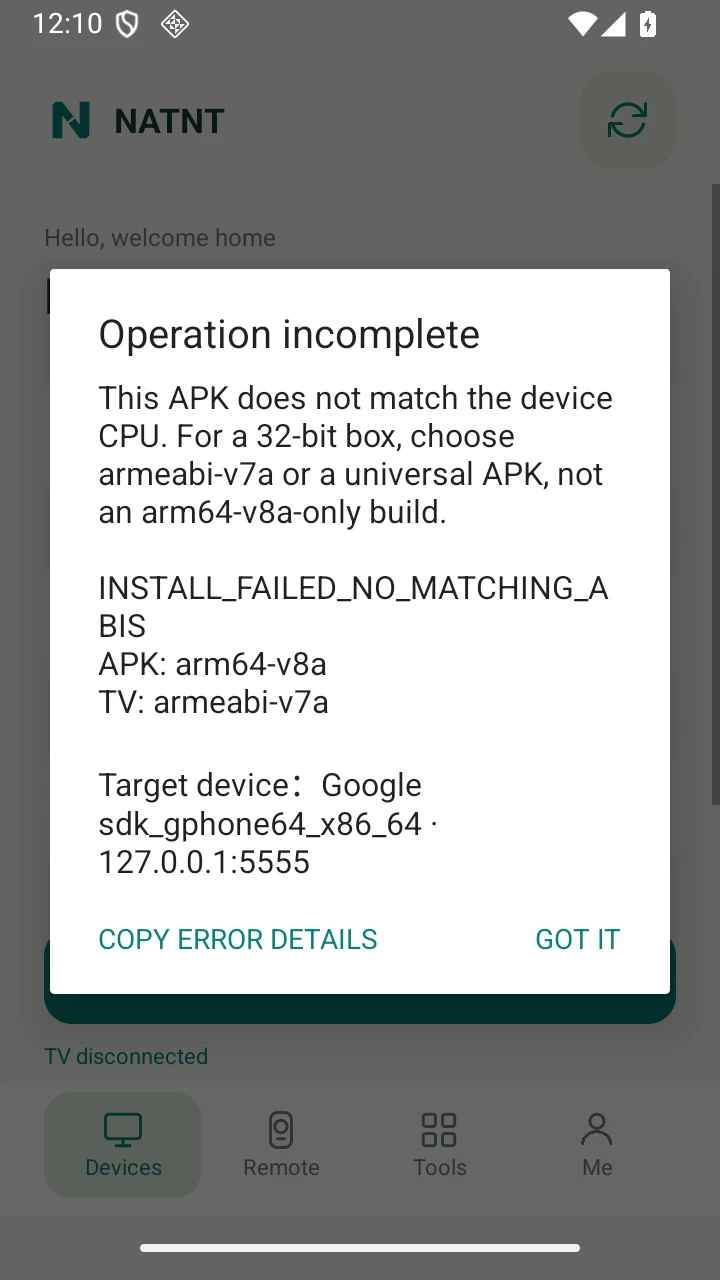
Find third-party apps by name and icon. Search, launch or uninstall from your phone.
Pick an APK before connecting your TV. Check Android and CPU requirements before installation, and copy detailed errors if it fails.
Read the app guideDiscover devices on the same subnet, grouped by IP. Saved TVs stay out of the discovery list. Open a device’s web management page when it provides one.
Expand the remote on the TV screen page while mirroring or recording. The preview stays above the controls. Each TV screen session lasts up to 3 minutes.
Browse shared TV storage and upload or download files with visible transfer progress.
Measure download, upload and HTTPS response time. Start manually and stop at any time. Results describe your phone connection, not your TV speed.
Make everyday TV tasks feel closer with NATNT Assistant.
Download for AndroidAndroid 8.0+ phone · Android TV / box with network debugging