A place for every device
Save your living room TV and bedroom box, check connection status and switch between them.
 NATNT
NATNTRemote control, casting, apps and files. Made for Android TVs and boxes that support network debugging.
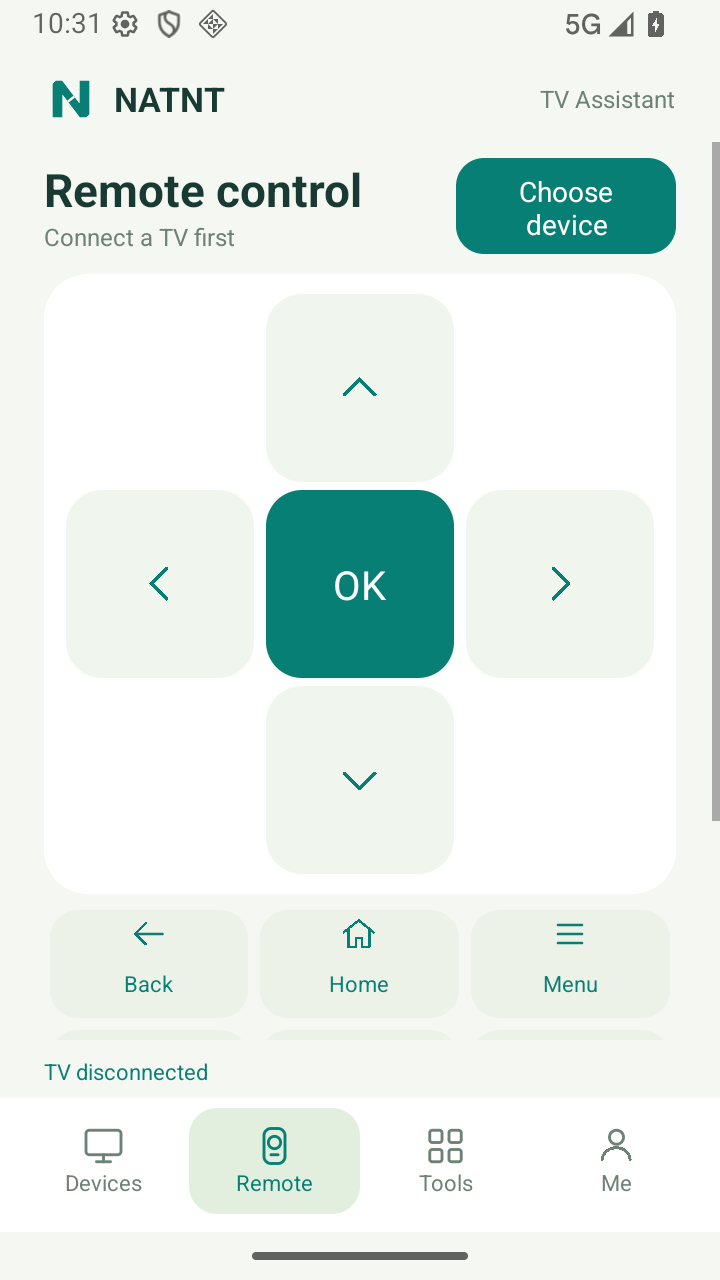
Directions, volume, back and home, all where you expect. Hold a direction or volume key for repeated input.
Send text without hunting for every letter. Chinese and emoji input require the optional NATNT TV Input companion.
Read the connection guideCast your whole screen, or a single app when supported by Android. Choose photos and videos to transfer and play on your TV.
On Android 10+, both full-screen and single-app casting can share permitted playback audio. Single-app selection limits the picture only; other apps may be audible. No microphone capture.
Explore phone castingFind third-party apps by name and icon. Search, launch or uninstall from your phone.
Install a single APK and follow transfer progress. Use installation files from sources you trust.
Read the app guideSave your living room TV and bedroom box, check connection status and switch between them.
Take TV screenshots, view your TV on your phone or save a recording. TV mirroring and recording are limited to 3 minutes per session.
Browse shared TV storage and upload or download files with visible transfer progress.
Make everyday TV tasks feel closer with NATNT Assistant.
Download for AndroidAndroid 8.0+ phone · Android TV / box with network debugging